I’ve been doing a lot of work in Codex for the upcoming Inkwell for Mac release. I’m weeks ahead of where I thought I’d be. One small tweak I’ve made to my workflow is to wire up ⌘R to run the project while I’m in Codex.
Codex has its own run action button, which in theory could run xcodebuild or osascript command-line tools, but that didn’t work for me. So I reached for FastScripts instead. I wrote this tiny AppleScript:
tell application "Xcode"
	activate
	run workspace document 1
end tell
Here’s a screenshot of the config in FastScripts:
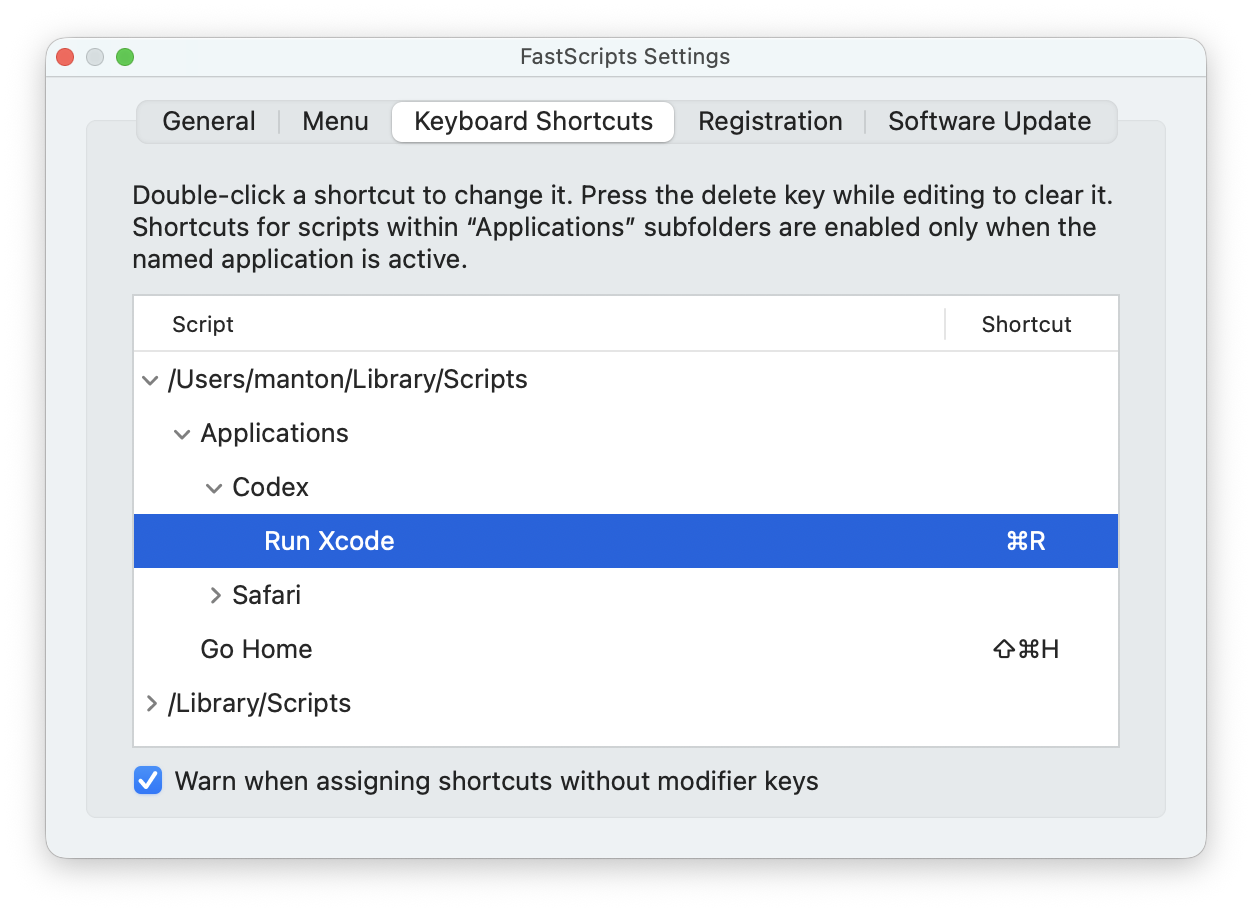
Now when I’m in Codex and it has finished a change, I review the transcript, then hit ⌘R to run my Mac app and test the new thing. If I don’t like it, I’ll ask Codex for changes and run again. Then I can review the code diff and tweak or commit as needed. The keyboard shortcut makes this cycle just a little smoother.