Micro.blog has had great support for blogging about books for years, including through our companion app Epilogue for iOS and Android. But one thing has always bugged me: when you blog about a book, by default it creates a link to a special URL on Micro.blog with the book details, not a link to your blog’s own domain name.
Linking to the micro.blog domain was useful as a sort of centralized identifier that we could build other features on. That page in turn links to Amazon, Goodreads, and Open Library. It doesn’t even have Micro.blog branding if you’re not signed in. But bloggers should have more control over how these links work.
We’re introducing a new setting to solve this. Click on Bookshelves → Settings → “Link books to detail pages on your blog”.
With that setting enabled, links to micro.blog/books/isbn are automatically rewritten to use your own domain name when Hugo processes your blog.1 If you don’t have the plug-in “Book reading goals” installed, it will also be installed automatically, providing a Hugo template that gives these book detail pages a basic design. It looks like this:
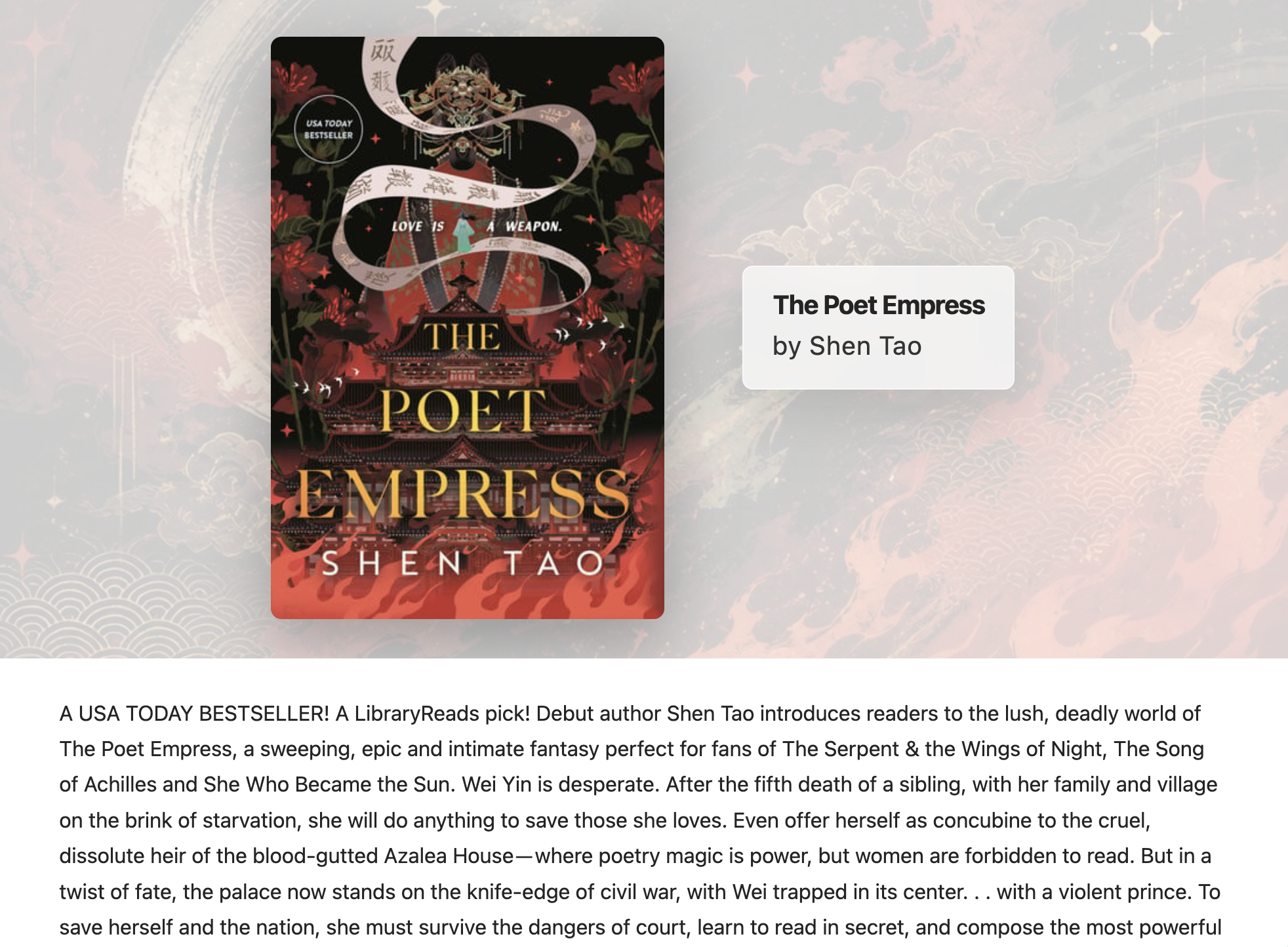
Here’s the same page on my blog.
Because it’s just Hugo metadata, themes and plug-ins can override the template to make it match your blog’s design, or to include more information such as number of pages, book genre, or links to other services.
See this help page for the front matter parameters that are available. All the metadata is also available in the Hugo data directory, which even if you don’t use it directly is available in blog backups.
There is still some follow-up work to do, such as updating Epilogue to be smarter about finding these links at different domain names. Also, I don’t necessarily expect everyone to enable this setting, especially if you don’t have time to customize the page for your own blog. Still, I’m excited to get this rolled out. Happy reading! 📚
-
Micro.blog will create these book pages as it needs to, starting with new posts. For older blog posts, you can re-save them or run a full rebuild from the Logs page. ↩︎