When we added private, end-to-end encrypted notes to Micro.blog, I said that this would be a foundation for new features. The first feature was shared notes. Any private note can be published to your blog with a special, unguessable URL, convenient for sharing with other people.
There are many other places where notes will be useful. This week, we’re rolling out support for attaching notes to books you’re reading. You’ll see a new button for this in the books list on the web, and in the next version of Epilogue, currently in review at Apple.

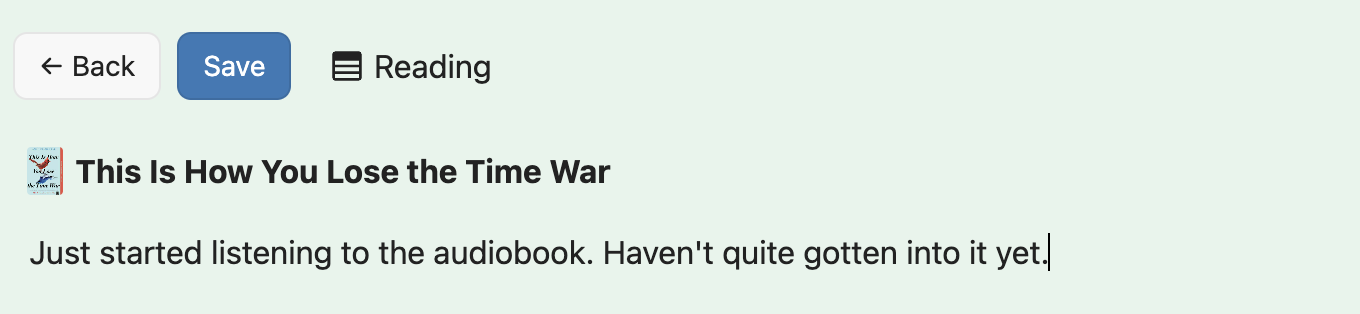
When you click “Add Note…”, it will associate the book with the new note and add the note to a notebook called “Reading”. Notebooks are a way to organize notes, for example for a collection of blog post drafts, work notes, or a private journal.
If you’ve never used notes in Micro.blog before, you’ll need to set up a secret key that is used to encrypt notes. That secret key can be copied into other apps that support notes, like our companion apps Strata and the upcoming Epilogue, as well as the third-party web app Lillihub.
I know it can sometimes seem that Micro.blog goes off on strange tangents, but everything we do is to support a platform that is centered around owning your content and publishing to your own domain name. Features like bookmarking web pages, keeping track of books you’re reading, and private or shared notes — these all help bring content together in one place where you can easily blog about it, instead of putting it in a closed silo.
I’ve also updated the notes API documentation. There is a new endpoint for getting notes from a book ISBN, as well as new metadata in the JSON responses. Happy reading!